script.js
// This entire line is a comment — JavaScript skips it!let price = 500; // Comments can also sit beside codeconsole.log(price); // Output: 500Bottom-Line Answer: JavaScript (JS) is a high-level, single-threaded, just-in-time (JIT) compiled programming language with first-class functions that conforms to the ECMAScript specification. It powers dynamic client-side web interactivity alongside HTML and CSS, and executes backend server runtimes via Node.js, Deno, and Bun.
Here's a truth every developer learns the hard way:you will forget your own code.That clever program you wrote today? In three months, it will look like a stranger wrote it — and you'll waste an hour figuring out what you meant.
Comments solve this. They'renotes written directly inside your code— for humans only. JavaScript reads every line of your programexceptcomments, which it skips completely.
You already used comments briefly when we built your first program. Now let's master them properly — the two syntaxes, the keyboard shortcuts that make commenting instant, and the professional habits that separate readable code from a confusing mess.
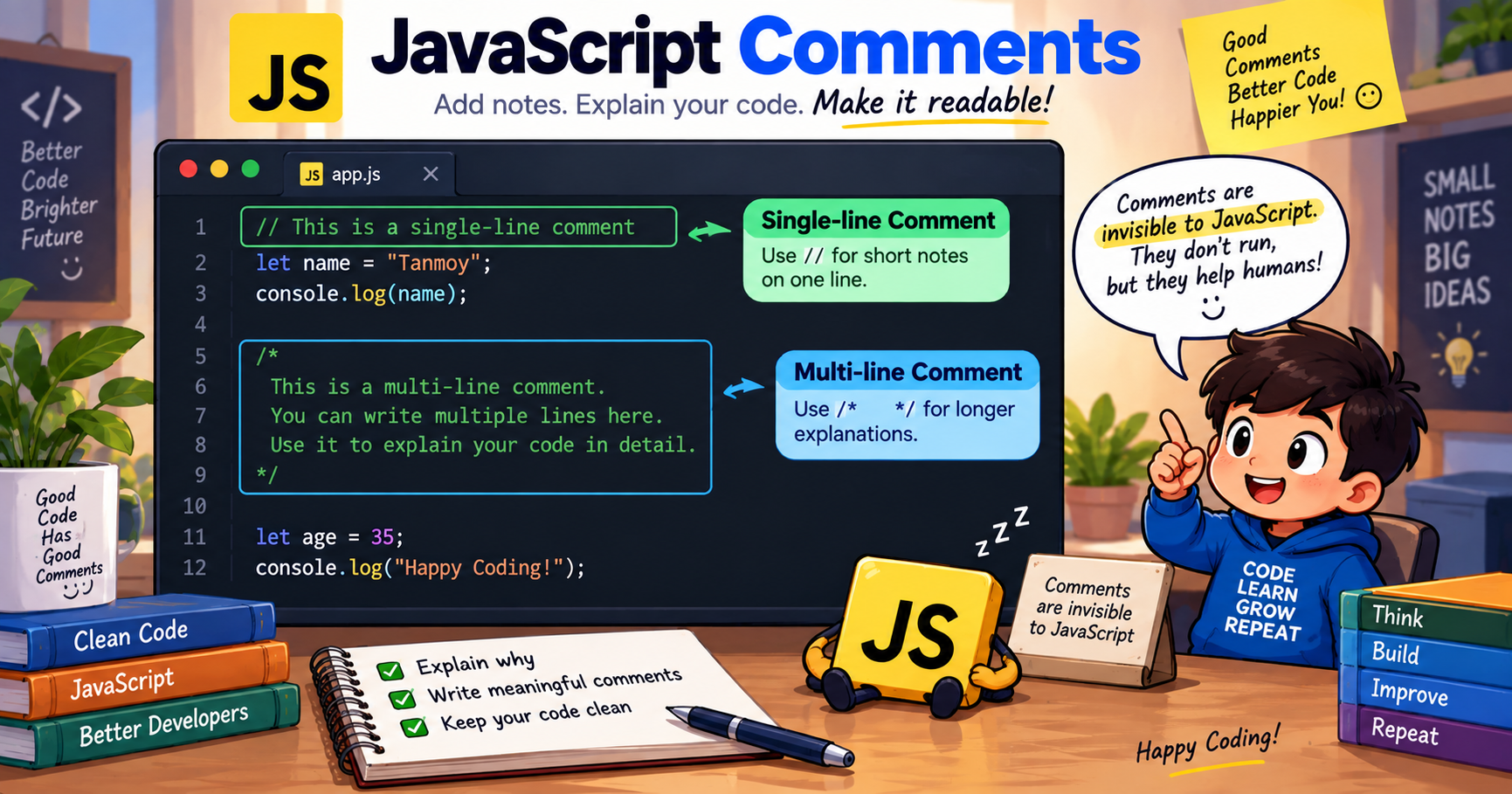
Acommentis text in your code that JavaScriptcompletely ignoreswhen running your program.
When this runs, JavaScript behaves as if the comments don't exist. The output is exactly the same with or without them.
So why bother?Because code has two audiences:
Comments serve the second audience. And here's the industry secret:code is read 10x more often than it's written.Comments are a love letter to whoever reads your code next — which is usually you.
Two forward slashes turneverything after them on that lineinto a comment:
① Full-line comment— explains the next block of code:
② End-of-line comment— a quick note beside the code:
③ Stacked comments— multiple//lines for longer explanations:
For longer explanations, wrap text in/*and*/— everything between them becomes a comment, across as many lines as you want:
This works, but use it sparingly — it can make lines hard to read.
Youcannotput a/* */comment inside another/* */comment:
JavaScript ends the comment at thefirst*/it finds — everything after breaks. This bites every developer at least once.
There's a third style you'll see in real projects:JSDoc. It uses/** */(note the double star) to document functions in a structured way:
Why this is magic:in VS Code, hover your mouse overapplyDiscountanywhere in your project — a tooltip pops up showing this documentation automatically! 🤯 JSDoc turns your comments into a live manual for your code. You'll use it heavily once we reach the functions lesson.
Nobody types//on every line manually. Memorize these two VS Code shortcuts — they're among the most-used keys in all of programming:
The workflow:select 10 lines of code → pressCtrl + /→all 10 lines instantly commented. Press again → uncommented. This takes 0.2 seconds, and you'll do it hundreds of times a day.
Comments aren't just for notes. One of the most practical uses istemporarily disabling codewithout deleting it — called"commenting out."
Testing two different approaches? Comment one out instead of deleting:
Hunting a bug? Disable sections to isolate the problem:
This technique pairs perfectly with theconsole.log()debugging you learned inLesson 2: comment out code, log values, narrow down the problem, restore the code.
⚠️ One rule:"commenting out" is atemporarytool. If code stays commented-out for weeks, delete it — old dead code confuses everyone. (Your Git history remembers it forever anyway.)
When to Comment (And When NOT To)
Here's where beginners go wrong inbothdirections — writing zero comments, or writing a comment for every single line. The professional balance:
✅ DO Comment: The "Why"
The code showswhathappens; the comment explainswhy— that's the valuable part.
❌ DON'T Comment: The Obvious
Comments that repeat the code add noise, not value. Worse, they becomelieswhen someone updates the code but forgets the comment.
🏆 The Golden Rule
Good code explains WHAT it does. Good comments explain WHY it does it.
Common Beginner Mistakes (And Fixes)
Quick Self-Check: Lesson 8 Quiz 🧠
- What are the two comment syntaxes in JavaScript?
- Does JavaScript run commented code?
- What's the VS Code shortcut to comment/uncomment a line?
- Why can't you nest
/* */comments inside each other?- Rewrite this bad comment as a good one:
let tax = 0.18; // set tax to 0.18(Answers: 1.
//for single-line and/* */for multi-line · 2. No — comments are completely ignored at runtime · 3. Ctrl + / (Windows) or Cmd + / (Mac) · 4. JavaScript ends the comment at the FIRST*/it finds, leaving the rest as broken live code · 5. Something like:// GST rate for digital services (18% as of 2024)— explains WHY, not WHAT)
Understanding the mechanical differences between variable declarations and execution environments is critical for writing performant, bug-free modern JavaScript.
var vs let vs const| Feature / Property | var (Legacy ES5) | let (Modern ES6+) | const (Modern ES6+) |
|---|---|---|---|
| Scope | Function Scope | Block Scope ({}) | Block Scope ({}) |
| Hoisting Behavior | Hoisted (initialized as undefined) | Hoisted (Temporal Dead Zone - ReferenceError) | Hoisted (Temporal Dead Zone - ReferenceError) |
| Reassignable | ✓ Yes | ✓ Yes | ✗ No (Immutable binding) |
| Redeclarable in Same Scope | ✓ Yes (Error-prone) | ✗ No (SyntaxError) | ✗ No (SyntaxError) |
| Window Object Binding | Creates property on window | Does not attach to window | Does not attach to window |
| Dimension | Client-Side (Web Browser) | Server-Side (Node.js / Deno) |
|---|---|---|
| Global Object | window, document, navigator | global, process, globalThis |
| DOM & UI Manipulation | ✓ Full access (document.querySelector) | ✗ No DOM (Headless / Non-UI) |
| File System & OS Access | ✗ Blocked (Sandboxed security) | ✓ Full access (fs, os, child_process) |
| Primary Focus | Interactive UI, animations, client state | REST APIs, microservices, databases, I/O streaming |
// Single line comment
/*
   Multi-line block comment
*//**
 * Calculates square of a number
 * @param {number} n
 * @returns {number}
 */function square(n) {
  return n * n;
}